Alternatives · Switching from ExportMyMap
Best ExportMyMap alternatives
ExportMyMap is a popular Chrome extension for exporting Google Maps saved places. If you want richer place data, fully local exports, or integration with local SEO tools, compare these alternatives.
Why people look for alternatives
- PDF and share link features send data to their servers
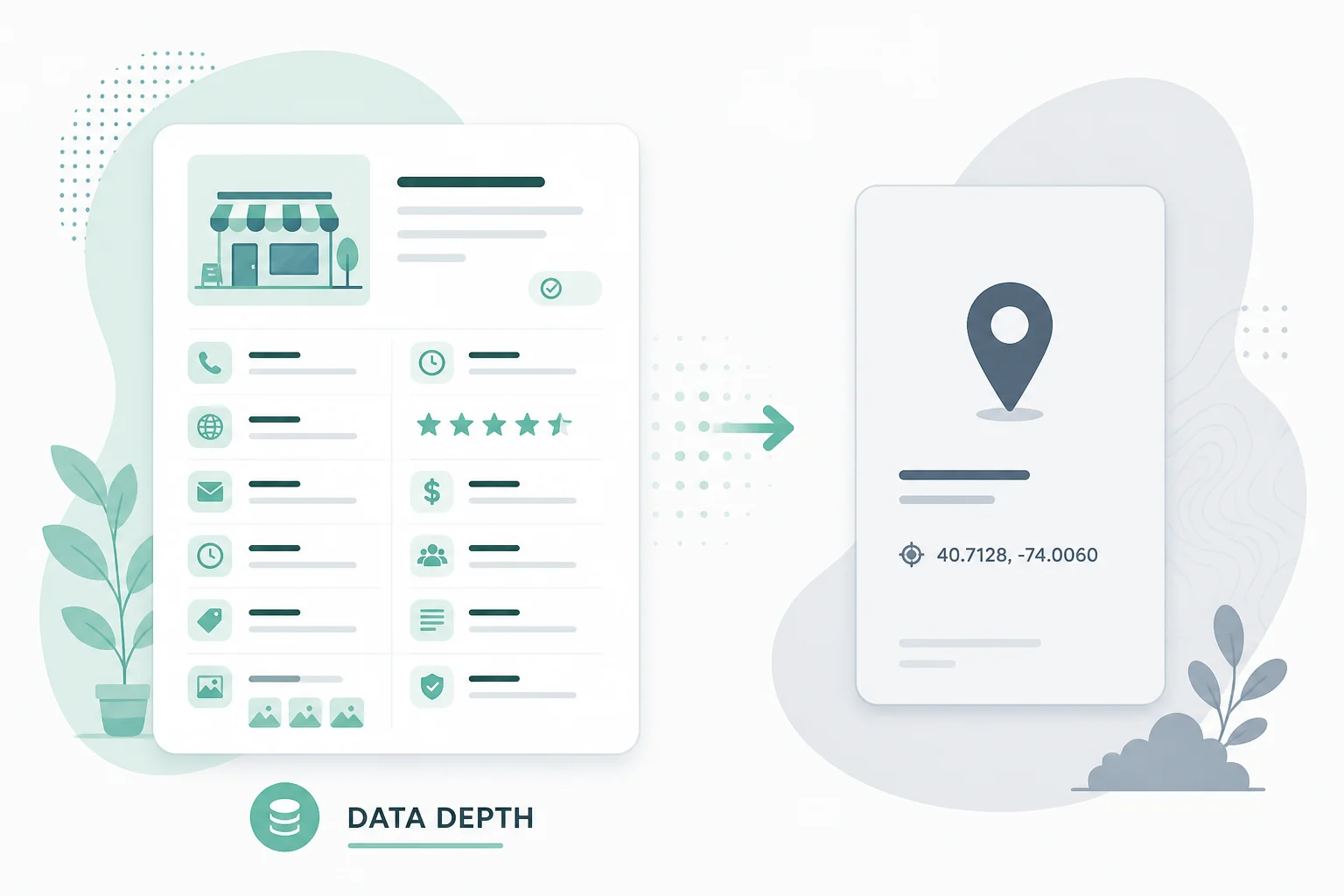
- Limited place enrichment compared to dedicated export tools
- You want filtering by rating, category, or custom fields
- You need integration with GMB audit and rank tracking tools
Alternatives compared
Pick an option below — we recommend Maps List Export for most people.
Takeout Tools See comparison →
Bulk geocoding of Takeout archives
Upload Takeout CSVs for server-side geocoding with pay-per-place pricing.
Official siteExportMyMap See comparison →
When share URLs and their PDF workflow are must-haves
Original product — extension plus share links and server PDFs.
Official siteManual copy from Google Maps
Lists with fewer than 5 places
Open each place and copy name and address into a spreadsheet.

Maps List Export
Recommended alternative
Live Chrome extension scanning with enriched place data, plus free local Takeout ZIP conversion. No per-place geocoding fees.
How each tool works
Maps List Export- 1 Install Chrome extension
- 2 Open Google Maps & scan list
- 3 Filter by rating or category
- 4 Export with phone, hours, ratings
- 1 Open Google Maps in Chrome
- 2 Click ExportMyMap extension
- 3 Select places to export
- 4 Download or share list
Maps List Export vs ExportMyMap
| Feature | Maps List Export | ExportMyMap |
|---|---|---|
| Live scan from Google Maps | ||
| Place enrichment (phone, hours) | Basic | |
| Filter by rating/category | ||
| Share link export | ||
| 100% local PDF | ||
| Free tier | 10 places/list | 10 places |
About ExportMyMap
Chrome extension + Takeout JSON upload. Pricing: Free 10 places; paid plans for unlimited.
Strengths
- Chrome extension for one-click export from Google Maps
- Takeout Saved Places.json upload on web
- Share link, PDF, and print exports
- Nine export formats including Excel
Limitations
- PDF generation uses server rendering
- Share links store data on server
- Limited place enrichment compared to dedicated export tools
What to look for in an alternative
- Does export run locally in the browser?
- What place fields are included (phone, rating, hours)?
- Can you filter places before exporting?
- What is the free tier per list?
- Are PDF and share links important to your workflow?
How to switch
Install Maps List Export from the Chrome Web Store
Open the same Google Maps lists you used with ExportMyMap
Scan, apply filters if needed, and choose export fields
Download CSV, Excel, GPX, or KML locally
Who should switch
- You want phone, rating, and hours in every export
- You prefer PDFs generated locally without server upload
- You use ExtensionsFox GMB or rank tracking tools
Who should stay
- Share links are central to how you distribute lists
- You are satisfied with ExportMyMap PDF quality and workflow
FAQ
What is the best ExportMyMap alternative?
Maps List Export offers a similar Chrome extension workflow with place enrichment, filters, and local processing. Published by ExtensionsFox alongside GMB Audit and Local Rank Tracker.
Can I migrate from ExportMyMap?
Yes. Your saved places are in Google Maps — scan the same lists with Maps List Export using the same Google account.
Does Maps List Export have share links?
No. If share URLs are essential, ExportMyMap may remain the better fit.
Which has better enrichment?
Maps List Export pulls phone, website, rating, hours, and photos during scan. ExportMyMap focuses on standard export fields.
Are export formats the same?
Both support CSV, Excel, JSON, GeoJSON, KML, GPX, PDF, and Print. ExportMyMap adds Share Link.
Is there a free Takeout option?
Yes — our Takeout converter at /tools/google-takeout-converter works without either extension.