Maps List ExportMaps List Export
FeaturesFree ToolsHow it worksPricing

Head-to-head comparisons

Side-by-side vs pages when you already know which tools you are choosing between.

Looking for replacements for a tool you already use? → Alternatives

Head-to-head Google Maps export tool comparisons
Maps List Export vs Takeout Tools
Head-to-head

Maps List Export vs Takeout Tools

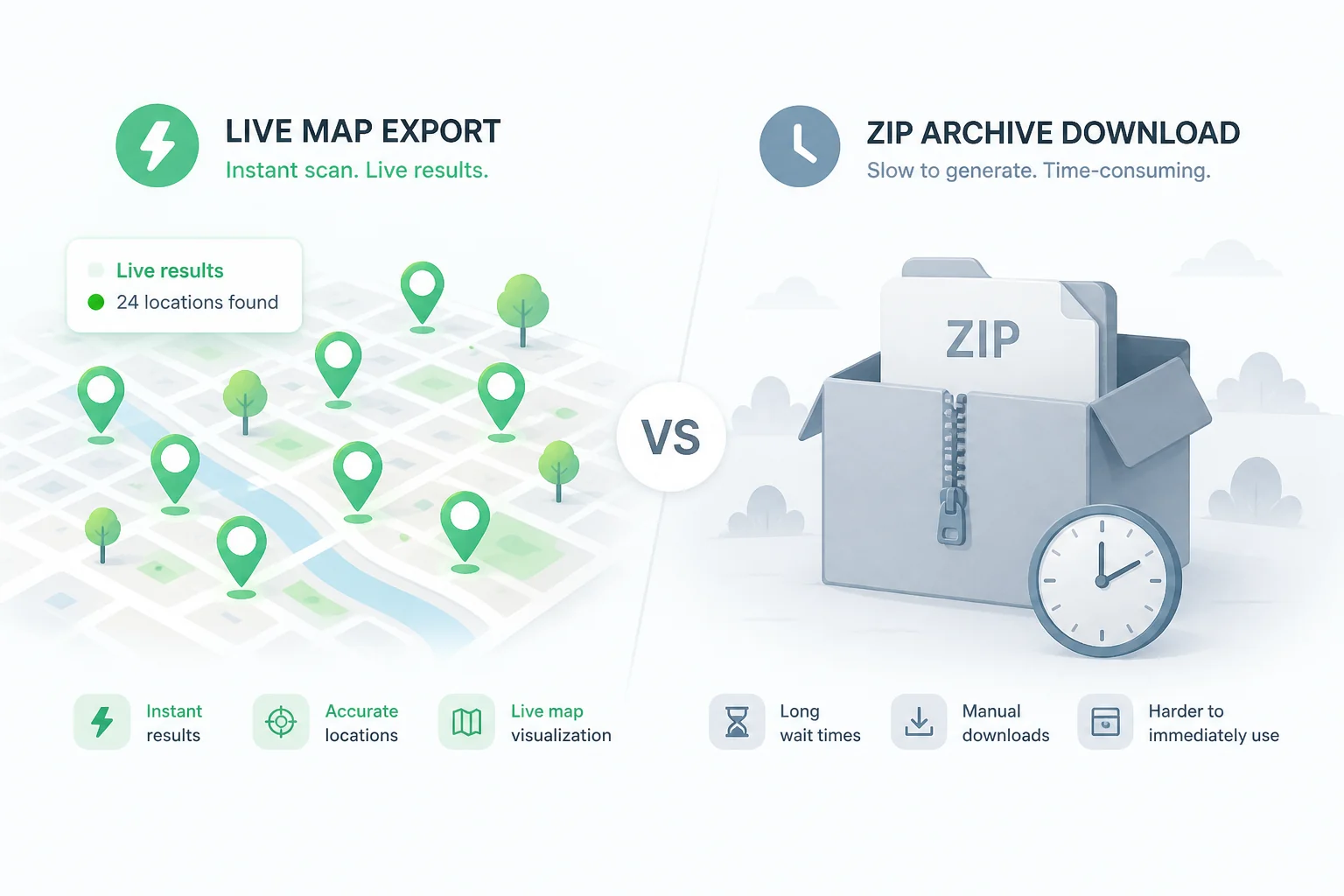
Takeout Tools geocodes Takeout CSVs on their servers with pay-per-place pricing. Maps List Export scans Google Maps live in Chrome with enriched place data, plus a free local Takeout converter — no per-place fees.
Maps List Export vs ExportMyMap
Head-to-head

Maps List Export vs ExportMyMap

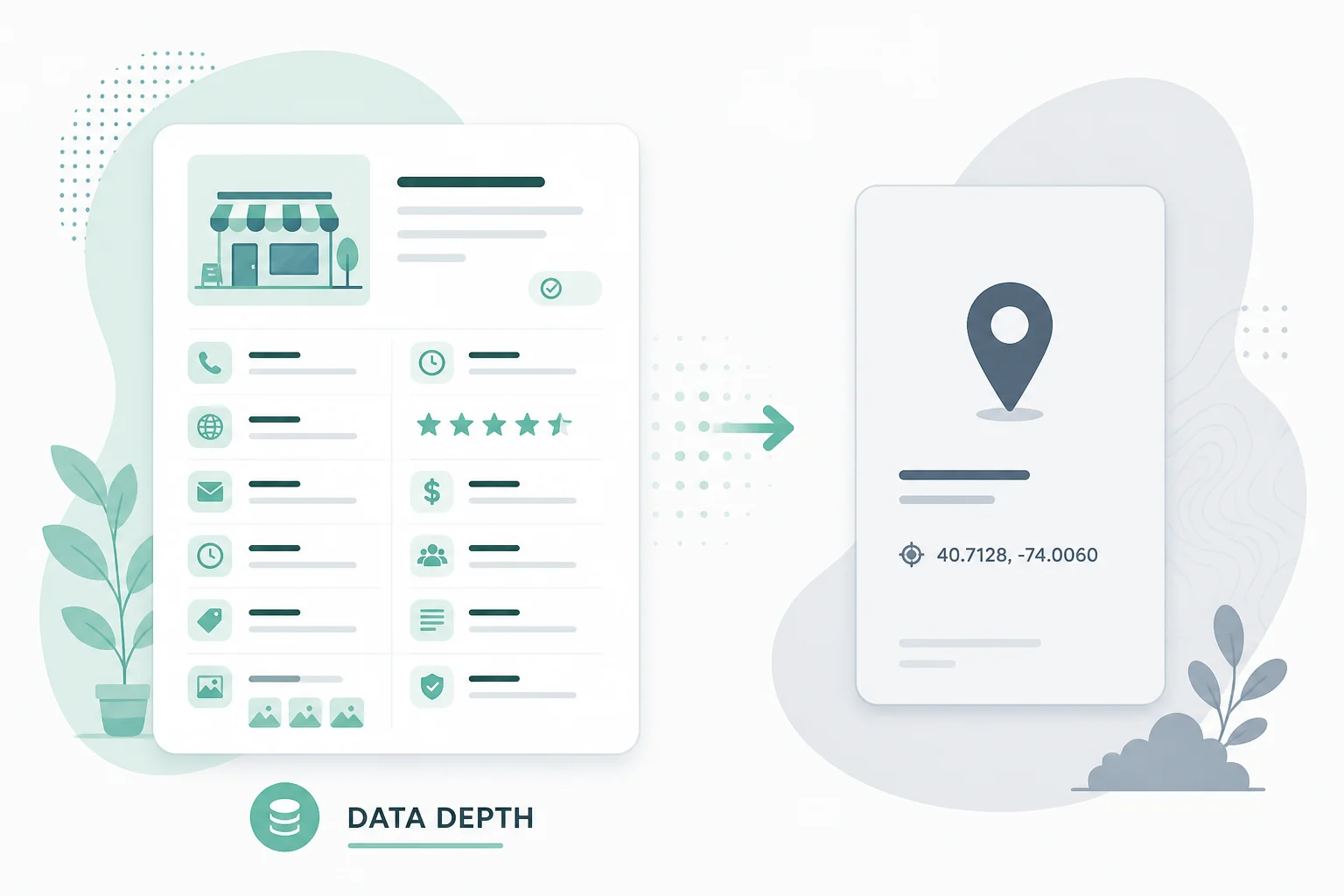
Both are Chrome extensions for Google Maps saved places. Maps List Export emphasizes local processing, place enrichment, and filters. ExportMyMap adds share links and server-rendered PDFs.

Maps List ExportMaps List Export

Scan starred places and saved lists in Chrome. Download CSV, Excel, JSON, KML, or GPX—no copy-paste, no Takeout wait, no API key. First 10 places free.

Product
  • Features
  • Export formats
  • How it works
  • Pricing
  • FAQ
Free Tools
  • All tools
  • Takeout converter
  • GPX to KML
  • KML to GPX
  • GeoJSON to CSV
Comparisons
  • All comparisons
  • vs Takeout Tools
  • vs ExportMyMap
  • Alternatives
Related products
  • GMB Audit Tool
  • Local Rank Tracker
Legal
  • Privacy Policy
  • Terms of Service
  • Contact

© 2026 ExtensionsFox. All rights reserved.