Comparison · Us vs Them
 Maps List Export
Maps List Export vs Takeout Tools
TL;DR
Takeout Tools geocodes Takeout CSVs on their servers with pay-per-place pricing. Maps List Export scans Google Maps live in Chrome with enriched place data, plus a free local Takeout converter — no per-place fees.
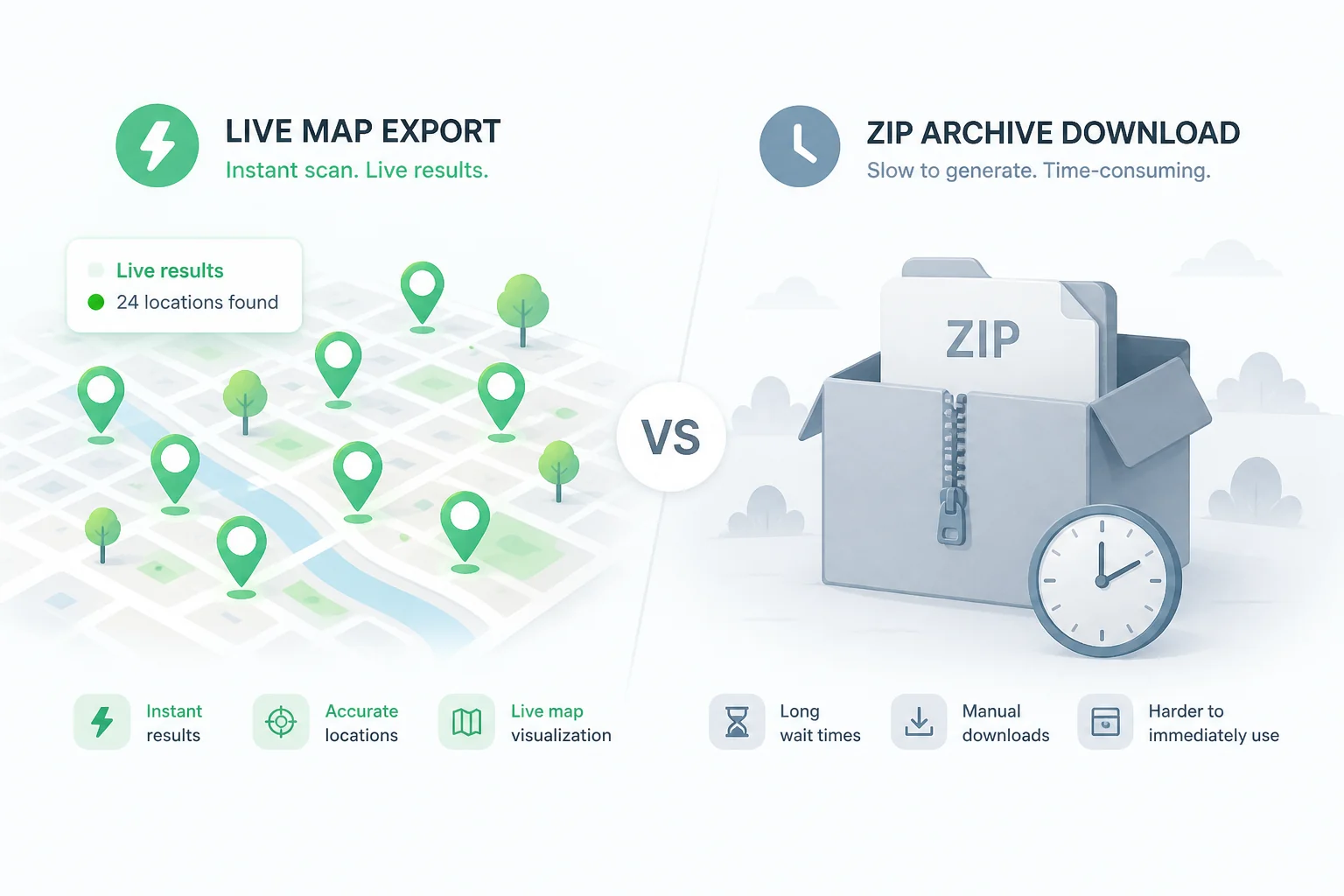
Maps List Export
Our product
Live Chrome scan + free local Takeout converter. Enriched exports, no per-place fees.
Takeout Tools
Takeout upload + server-side geocoding
Upload Takeout CSVs to their website for server-side geocoding. Requires waiting for Google Takeout and pay-per-place fees after the free tier.
- Free£0 · 5 places
- Pay-as-you-go£5 · 50 places
- Bulk£15 · 200 places
- Unlimited pass£99 · 30 days unlimited
At a glance
| Dimension | Maps List Export | Takeout Tools |
|---|---|---|
| Workflow | Install Chrome extension → open Google Maps → scan list → export instantly. Optional: free Takeout ZIP converter for backup files. | Export from Google Takeout → wait for ZIP → upload CSVs → pay to geocode each place → download. |
| Privacy | Extension scans locally. Takeout tool parses ZIP/CSV in your browser; Enrich sends place ids only. | Takeout files uploaded for server-side geocoding. Processed places stored in account history. |
| Pricing | Free: 10 places per list. Pro: unlimited monthly subscription. | Free: 5 places. Pay-as-you-go: £5/50 places. 30-day unlimited: £99. |
| Formats | CSV, Excel, JSON, GeoJSON, KML, GPX, PDF, Print — from extension. Takeout tool: CSV, KML, GPX, GeoJSON. | CSV, JSON, GeoJSON, KML, GPX — after geocoding. Plus standalone converter tools. |
| Data richness | Phone, website, rating, hours, photos, Place ID — during extension scan. | Address and coordinates via geocoding. Original Takeout fields preserved. |
How each tool works
Maps List Export- 1 Install Chrome extension
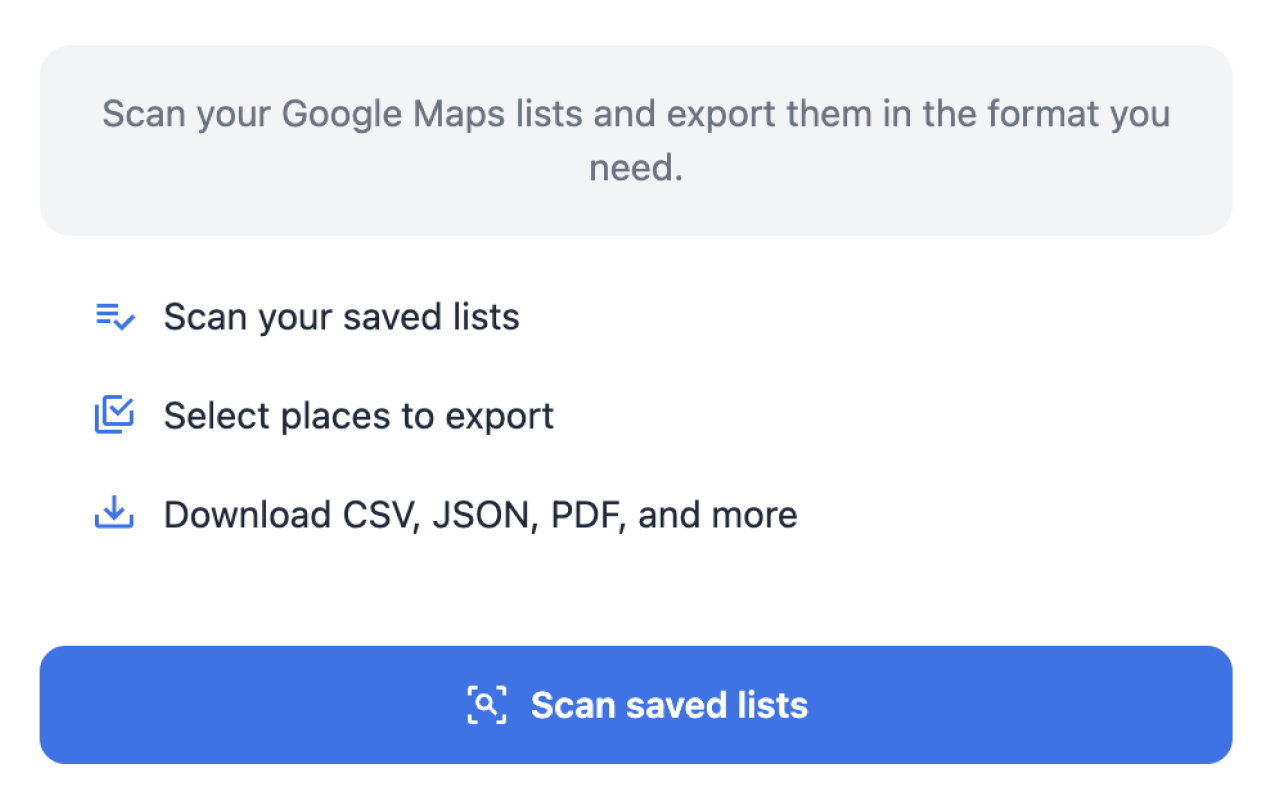
- 2 Open Google Maps & scan list
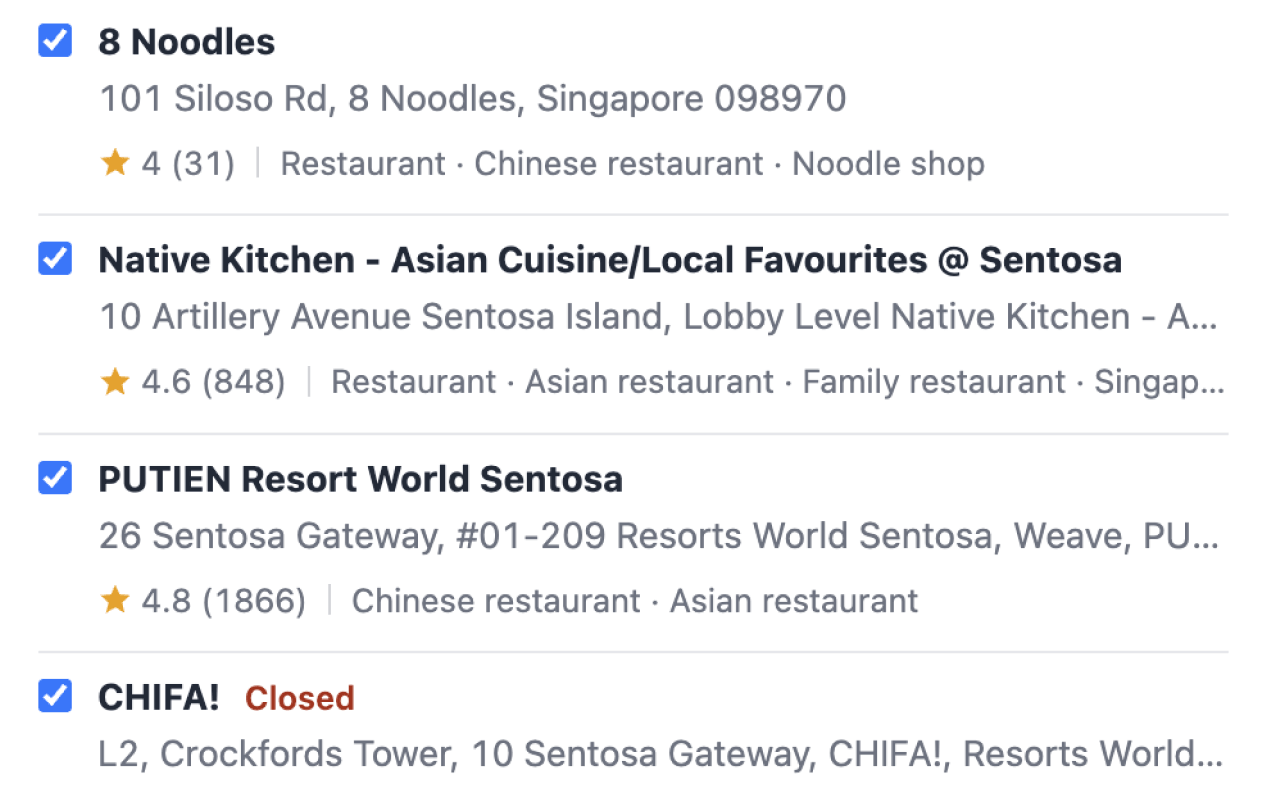
- 3 Select places & enrich details
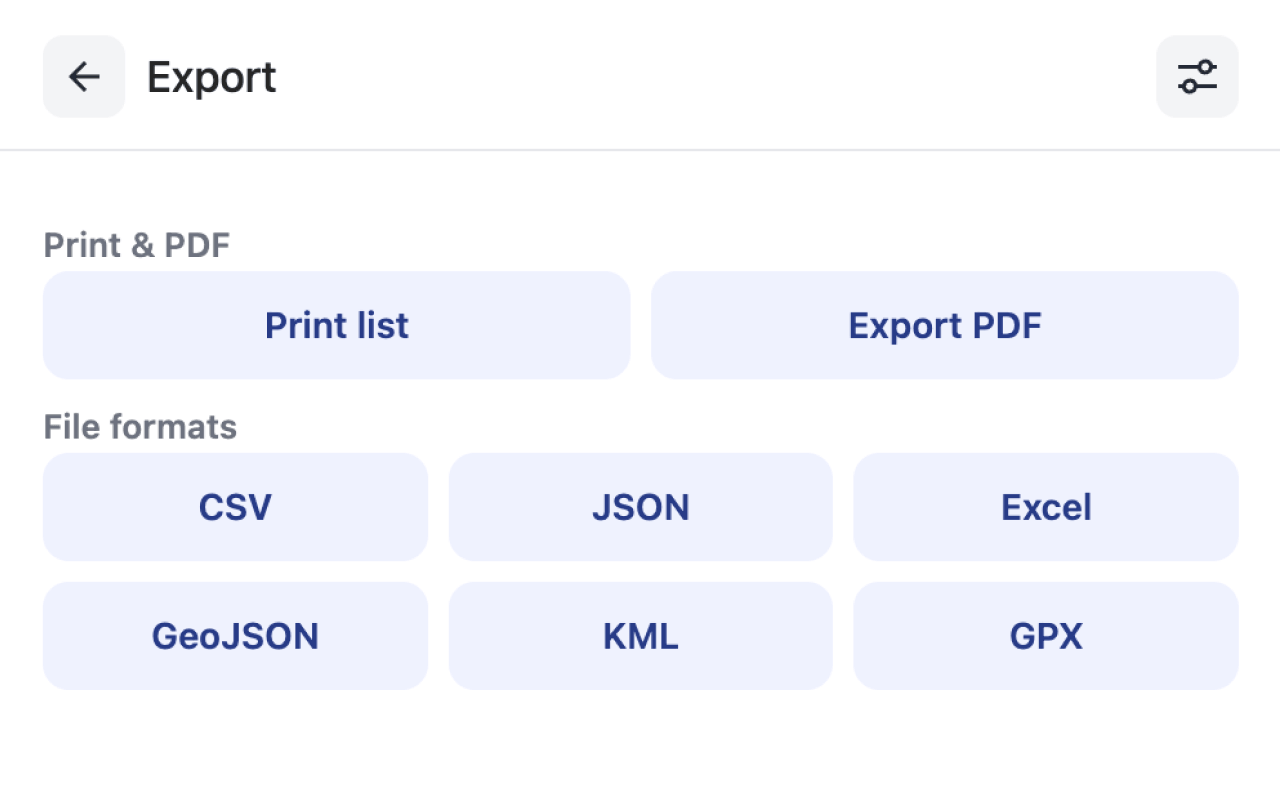
- 4 Export CSV, GPX, KML, or Excel
- 1 Export from Google Takeout
- 2 Wait for ZIP download
- 3 Upload CSV to Takeout Tools
- 4 Pay to geocode each place
- 5 Download converted file
See Maps List Export in action
Detailed comparison
Workflow
Maps List Export
Maps List Export works where you already use Google Maps. Install the extension, scan a saved list, and download a file in minutes — no Takeout export wait. For backup ZIPs, our free Takeout converter parses locally in your browser.
Takeout Tools
Takeout Tools is built around Google Takeout. You request an export from Google, wait for the ZIP, upload CSVs, and pay to geocode places that lack coordinates. Best when you already have archives and prefer server-side geocoding.
Privacy
Maps List Export
List scanning and export generation run in Chrome. The Takeout converter keeps parsing local; optional Enrich sends only place ids to our API — not your full file.
Takeout Tools
Your Takeout CSVs are uploaded for geocoding. Processed results are stored in your account history on their servers.
Pricing
Maps List Export
Free tier: 10 places per list with every format. Pro unlocks unlimited exports on a monthly subscription — no per-place charges.
Takeout Tools
Free tier covers 5 places total. After that, pay-per-place packs (£5/50, £15/200) or a £99 30-day unlimited pass. Costs add up for large collections.
Export formats
Maps List Export
Extension exports CSV, Excel, JSON, GeoJSON, KML, GPX, PDF, and print-friendly views. The Takeout tool adds local conversion without geocoding fees.
Takeout Tools
CSV, JSON, GeoJSON, KML, and GPX after geocoding. Strong converter library for format transforms, but core export depends on paid geocoding.
Data richness
Maps List Export
Live scan pulls phone, website, rating, hours, photos, and Place ID. Filter by rating or category before export.
Takeout Tools
Geocoding adds address and coordinates to Takeout rows. Business enrichment (phone, hours) is not the focus.
Feature comparison
| Feature | Maps List Export | Takeout Tools |
|---|---|---|
| Live scan from Google Maps | ||
| Takeout ZIP upload | Free local tool | |
| Optional coordinate enrich | Takeout tool only | Paid geocoding |
| Phone, rating, hours | ||
| Excel export | ||
| Local PDF export | ||
| Per-place fees | ||
| Multi-language CSV headers | ||
| Filter by rating/category | ||
| Free tier | 10 places/list | 5 places total |
Choose Maps List Export if…
- You want to export directly from Google Maps without waiting for Takeout
- You need phone numbers, ratings, and business details — not just coordinates
- You prefer no per-place fees for large saved place collections
- You already use ExtensionsFox tools (GMB Audit, Local Rank Tracker)
Choose Takeout Tools if…
- You already have Takeout CSV archives and want server-side geocoding
- You need a 30-day unlimited pass for a very large one-time batch
- You want their standalone GPX/KML converter library without an extension
How to switch
Install Maps List Export from the Chrome Web Store
Open Google Maps and sign in with the same Google account
Click the extension icon and scan your saved list
Select places, choose fields, and export — no Takeout wait required
FAQ
Can Takeout Tools replace Maps List Export?
They solve overlapping problems differently. Takeout Tools excels at geocoding existing Takeout CSVs. Maps List Export excels at live scanning with enriched data — and includes a free local Takeout converter.
Do Saved CSV files include coordinates?
Usually not — Takeout CSVs often have Title and URL only. Takeout Tools charges to geocode them. Our Takeout converter parses locally and offers optional Enrich for missing coordinates.
Which has the better free tier?
Maps List Export: 10 places per list with all formats. Takeout Tools: 5 places total with geocoding.
Do I need Google Takeout for Maps List Export?
No. The extension scans directly from Google Maps. Use our Takeout converter only if you already have a ZIP backup.
Do both support GPX and KML?
Yes. Both export to GPX and KML. Maps List Export also supports Excel and local PDF from the extension.
Is my data uploaded to servers?
Maps List Export keeps scanning local. Takeout Tools uploads CSVs for geocoding. Our optional Enrich sends place ids only — not your full Takeout file.