Comparison · Us vs Them
 Maps List Export
Maps List Export vs ExportMyMap
TL;DR
Both are Chrome extensions for Google Maps saved places. Maps List Export emphasizes local processing, place enrichment, and filters. ExportMyMap adds share links and server-rendered PDFs.
Maps List Export
Our product
Live Chrome scan + free local Takeout converter. Enriched exports, no per-place fees.
ExportMyMap
Chrome extension + Takeout JSON upload
Chrome extension scans Google Maps in-browser, or upload Saved Places.json on their website. PDF and share links may use server rendering.
- Free$0 · 10 places
- PaidVaries · Unlimited exports
At a glance
| Dimension | Maps List Export | ExportMyMap |
|---|---|---|
| Workflow | Open Google Maps → scan list → filter places → export locally in Chrome. | Open Google Maps → click extension → export locally, or upload Takeout JSON on web. |
| Privacy | List scanning and file generation run locally. No browsing history collected. | Local exports in browser. PDF and share links may send data to their servers. |
| Pricing | Free: 10 places per list. Pro: unlimited monthly subscription. | Free: 10 places. Paid plans remove the limit. |
| Formats | CSV, Excel, JSON, GeoJSON, KML, GPX, PDF, Print. | CSV, Excel, JSON, GeoJSON, KML, GPX, PDF, Print, Share Link. |
| Data richness | Phone, website, rating, hours, photos, Place ID, filters by rating/category. | Standard place fields from Google Maps session. |
How each tool works
Maps List Export- 1 Install Chrome extension
- 2 Open Google Maps & scan list
- 3 Filter by rating or category
- 4 Export with phone, hours, ratings
- 1 Open Google Maps in Chrome
- 2 Click ExportMyMap extension
- 3 Select places to export
- 4 Download or share list
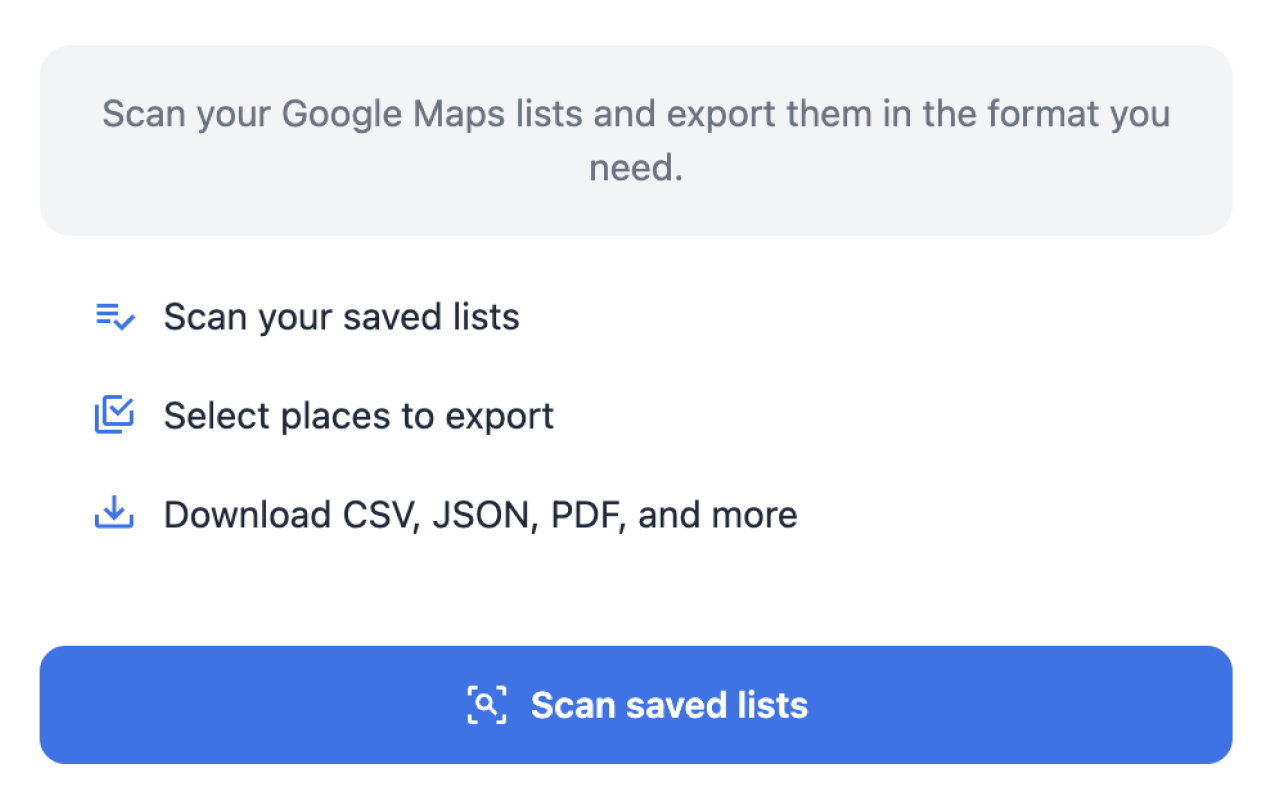
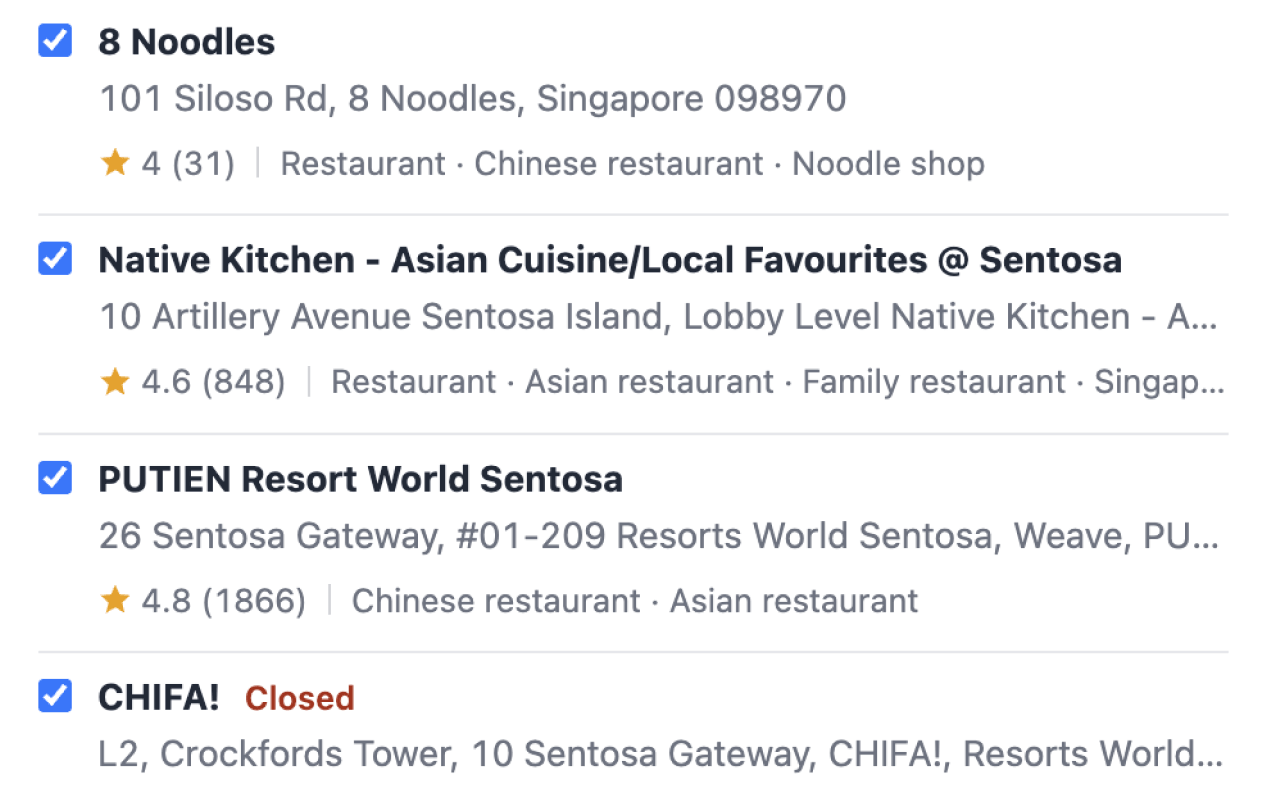
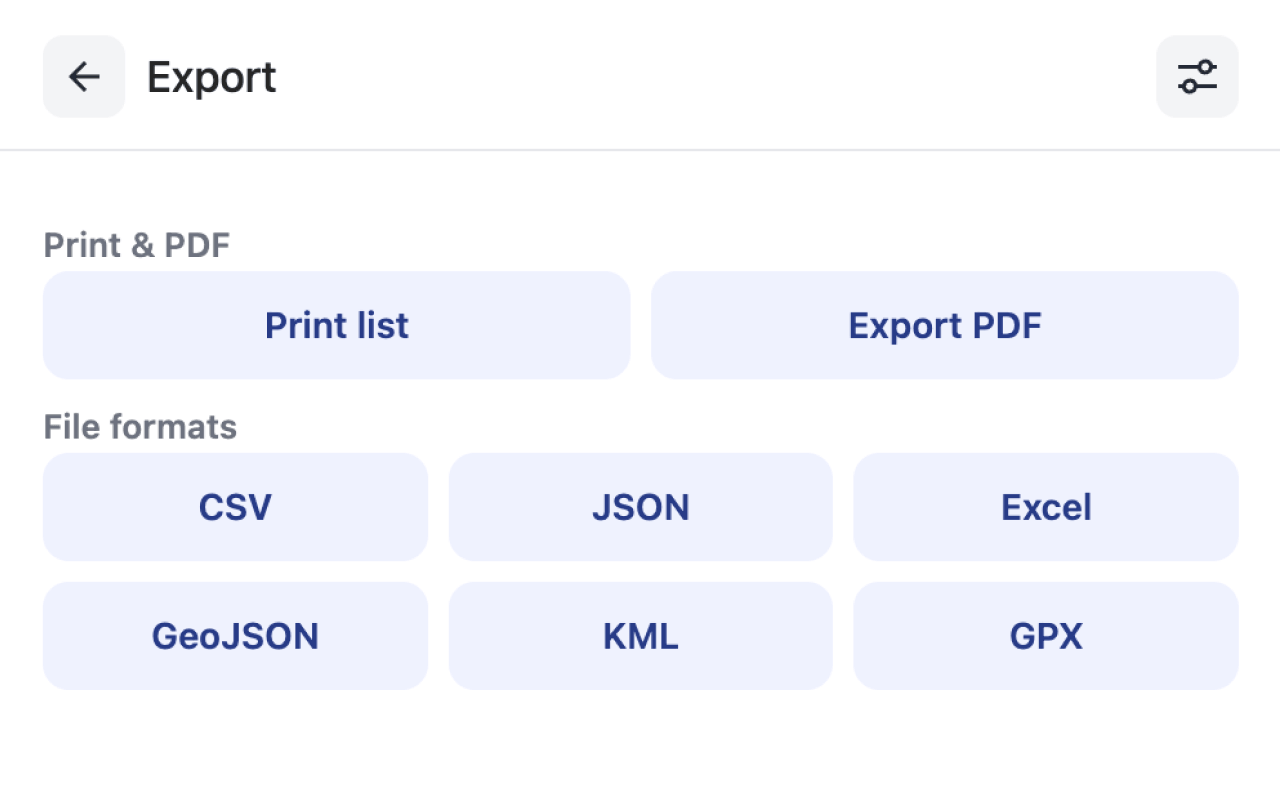
See Maps List Export in action
Detailed comparison
Workflow
Maps List Export
Scan saved lists in Chrome, filter by rating or category, pick columns, and download — all without leaving Google Maps.
ExportMyMap
Similar extension workflow plus web upload for Saved Places.json. Share links and PDFs add extra steps that may hit their servers.
Privacy
Maps List Export
Exports are generated locally in your browser. No share links that store your list on third-party servers.
ExportMyMap
Core extension export is local, but PDF rendering and share links may upload list data to their infrastructure.
Pricing
Maps List Export
10 free places per list; Pro subscription for unlimited exports per list.
ExportMyMap
10 free places total; paid plans for unlimited. Similar free tier size, different upgrade model.
Export formats
Maps List Export
CSV, Excel, JSON, GeoJSON, KML, GPX, PDF, Print — all generated locally.
ExportMyMap
Same core formats plus Share Link — unique to ExportMyMap for sharing lists via URL.
Data richness
Maps List Export
Enrichment during scan: phone, website, rating, hours, photos. Filter long lists before export.
ExportMyMap
Standard fields from the Maps session. Less emphasis on business enrichment and filtering.
Feature comparison
| Feature | Maps List Export | ExportMyMap |
|---|---|---|
| Live scan from Google Maps | ||
| Takeout ZIP upload | Free local tool | JSON only |
| Phone, rating, hours enrichment | Basic fields | |
| Filter by rating/category | ||
| Share link export | ||
| Server-rendered PDF | ||
| 100% local PDF export | ||
| Excel export | ||
| ExtensionsFox ecosystem | ||
| Free tier | 10 places/list | 10 places |
Choose Maps List Export if…
- You want place enrichment (phone, rating, hours) and filtering before export
- You prefer fully local exports without server-rendered PDFs or share links
- You use other ExtensionsFox local SEO tools
Choose ExportMyMap if…
- You need shareable short links for place lists
- You prefer their server-rendered PDF workflow
- You want to upload Takeout JSON on their website without the extension
How to switch
Install Maps List Export from the Chrome Web Store
Open the same Google Maps lists you used with ExportMyMap
Scan, filter if needed, and export — your saved lists are the same account data
FAQ
Are these the same product?
No. Separate Chrome extensions from different publishers with similar core functionality but different privacy models and extra features.
Can I use both?
Yes, but one extension is enough. Try both free tiers and pick the workflow you prefer.
Which has better enrichment?
Maps List Export fetches phone, website, rating, hours, and photos during scan. ExportMyMap focuses on standard export fields.
What about share links?
ExportMyMap offers share links; Maps List Export does not. If share URLs are essential, ExportMyMap may fit better.
Do both support Excel and GPX?
Yes. Both export to Excel and GPX from the Chrome extension.
Which is more private?
Maps List Export keeps all export types local. ExportMyMap may send data to servers for PDF and share link features.