Alternatives · Switching from Takeout Tools
Best Takeout Tools alternatives
Takeout Tools geocodes Google Takeout CSV files with server-side processing and pay-per-place pricing. If you want live exports, local processing, or no per-place fees, compare these alternatives.
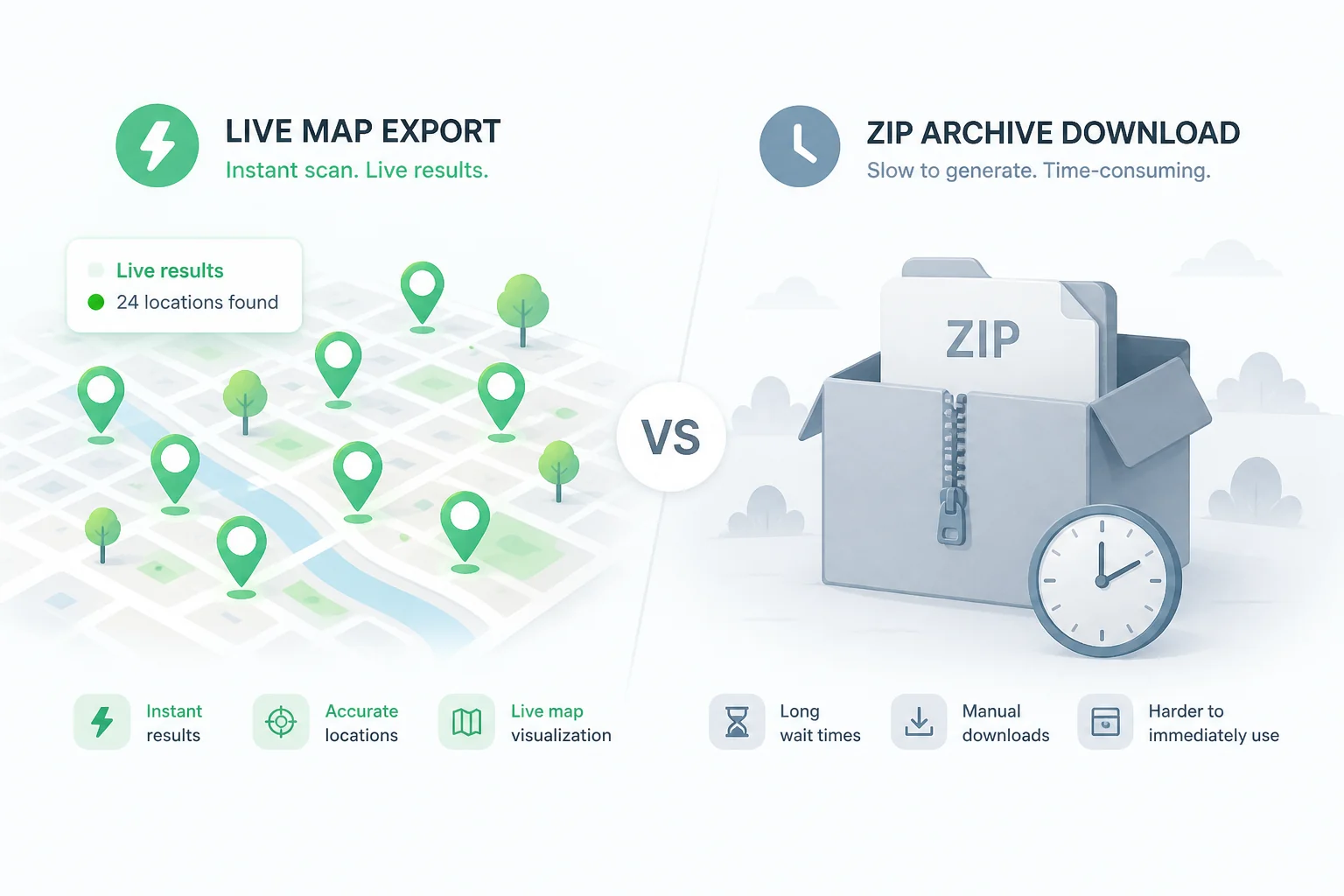
Why people look for alternatives
- Pay-per-place pricing adds up for large saved place collections
- Waiting for Google Takeout exports slows down your workflow
- Server-side geocoding means your data leaves your browser
- You need phone numbers and business details, not just coordinates
Alternatives compared
Pick an option below — we recommend Maps List Export for most people.
ExportMyMap See comparison →
Extension workflow with shareable list URLs
Chrome extension with Takeout JSON upload, share links, and PDF exports.
Official siteTakeout Tools See comparison →
Bulk geocoding when you prefer their hosted workflow
Server-side geocoding for Takeout CSVs with pay-per-place pricing.
Official siteDIY Google Takeout + spreadsheet
Tiny lists where automation is not worth it
Manual copy from Takeout CSV into Excel. No coordinates unless URLs embed them.

Maps List Export
Recommended alternative
Live Chrome extension scanning with enriched place data, plus free local Takeout ZIP conversion. No per-place geocoding fees.
How each tool works
Maps List Export- 1 Install Chrome extension
- 2 Open Google Maps & scan list
- 3 Select places & enrich details
- 4 Export CSV, GPX, KML, or Excel
- 1 Export from Google Takeout
- 2 Wait for ZIP download
- 3 Upload CSV to Takeout Tools
- 4 Pay to geocode each place
- 5 Download converted file
Maps List Export vs Takeout Tools
| Feature | Maps List Export | Takeout Tools |
|---|---|---|
| Live scan from Google Maps | ||
| Takeout ZIP upload | Free local tool | |
| Per-place geocoding fees | ||
| Phone, rating, hours | ||
| Multi-language CSV | ||
| Free tier | 10 places/list | 5 places total |
About Takeout Tools
Takeout upload + server-side geocoding. Pricing: Free 5 places; £5/50; £15/200; £99/30-day unlimited.
Strengths
- Automated geocoding with addresses and coordinates
- Multi-language CSV header detection (11 languages)
- Large library of free format converters
- Use-case landing pages for B2B segments
Limitations
- Requires Google Takeout export wait time
- Pay-per-place after free tier
- No live scan from Google Maps
- Data processed on server for geocoding
What to look for in an alternative
- Can you export without waiting for Takeout?
- Is processing local or server-side?
- What is the free tier limit?
- Does it include business enrichment (phone, rating, hours)?
- Which formats do you need (GPX, KML, Excel, PDF)?
How to switch
Install Maps List Export or open the free Takeout converter
Sign in to Google Maps (extension) or upload your Takeout ZIP (converter)
Scan your saved lists or preview parsed places
Export CSV, GPX, KML, or Excel — no per-place geocoding payment
Who should switch
- You export saved places regularly and Takeout wait + fees slow you down
- You need phone, rating, and hours — not just geocoded coordinates
- You want parsing to stay in your browser
Who should stay
- You already paid for a Takeout Tools unlimited pass and it meets your needs
- You only geocode once a year and the free 5-place tier is enough
FAQ
What is the best Takeout Tools alternative?
For live Google Maps scanning with enriched data, Maps List Export is the strongest alternative. For free local Takeout ZIP conversion without geocoding fees, use our Takeout converter tool.
Can I migrate from Takeout Tools?
Yes. Install Maps List Export, scan your lists directly from Google Maps, and export without re-uploading to a geocoding service.
Do Saved CSV files include coordinates?
Usually not. Our Takeout converter parses locally and offers optional Enrich for missing lat/lng.
Is Maps List Export free?
Yes — 10 places per list on the free tier. Pro unlocks unlimited exports per list.
How is this different from ExportMyMap?
ExportMyMap is another Chrome extension. Maps List Export adds stronger enrichment, filters, and a free local Takeout converter.
Do I still need Google Takeout?
Not for the extension — it scans Maps live. Use Takeout only if you want to process an existing ZIP with our converter.